DaVinci Resolve vs Premiere Pro for Documentaries
Which NLE actually suits the long, messy reality of a documentary cut? A hands-on comparison of Resolve and Premiere Pro for doc editors.
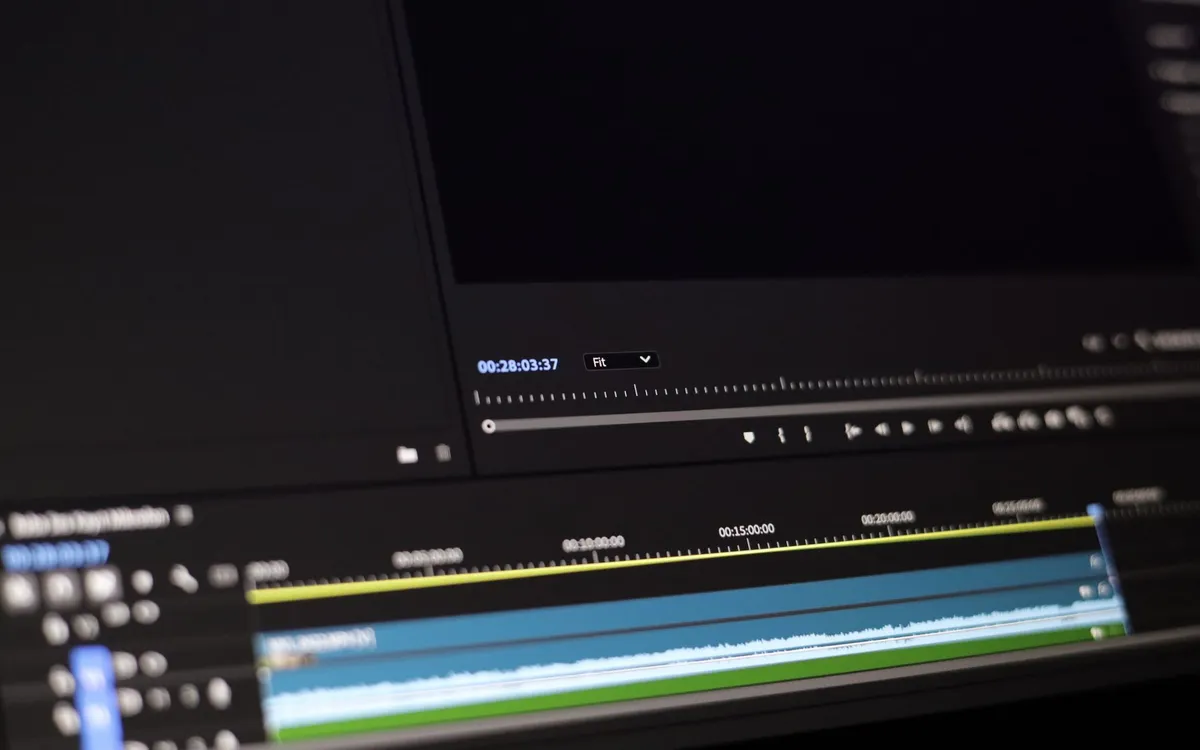
I’ve cut documentaries in both. Not a weekend test — full projects, hundreds of hours of footage, the kind where the rough assembly alone runs four hours and the conform happens at two in the morning before a festival deadline. So this isn’t a feature-list shootout. It’s what actually mattered when the timeline got ugly.
The short version: Premiere Pro still wins on raw editorial comfort for a lot of editors, and DaVinci Resolve has quietly become the better all-in-one if you’re finishing the film yourself. Neither is wrong. The right answer depends on how your post is staffed.
The two philosophies
Premiere Pro is an editor’s tool that color and audio were bolted onto over the years. It assumes you’ll round-trip to other software — Audition for sound, maybe a dedicated grade somewhere else — and it plays nicely with the rest of Adobe’s stack. After Effects integration through Dynamic Link is genuinely useful when a doc needs lower-thirds, map animations, or archival repair.
DaVinci Resolve came from the other direction. Blackmagic built it as a color grading system, then added editing, Fairlight audio, and Fusion effects until it became a single application with separate “pages” for each job. For a documentary editor working alone or in a tiny team, that consolidation is the whole pitch: you can assemble, grade, mix, and deliver without ever exporting a thing.
Cutting a long doc
This is where it gets practical. Documentary editing is organization first, artistry second. You live in bins, search bins, and metadata.
Premiere’s project structure is familiar and flexible, and its keyboard-driven editing feels fast once it’s muscle memory. Multicam works well for paneled interviews. Where it bites you is stability on large projects — long-form docs with thousands of clips can get sluggish or crash, and everyone who’s done it has a backup ritual.
Resolve’s editing has matured a lot. The Cut page is built for speed on assemblies; the Edit page is the full-featured one. Its database-backed projects feel sturdier under weight, and the built-in transcription and clip metadata help when you’re hunting for that one line from a six-hour interview. If transcripts drive your edit, also see how to transcribe interviews fast.
| DaVinci Resolve | Premiere Pro | |
|---|---|---|
| Price | Free; Studio one-time license | Subscription |
| Editing comfort | Very good, improving | Excellent, mature |
| Color grading | Best in class | Capable, basic by comparison |
| Audio | Fairlight, full DAW | Essential Graphics + Audition round-trip |
| Stability on long projects | Strong | Variable |
| Ecosystem | Self-contained | Deep Adobe integration |
Color and sound
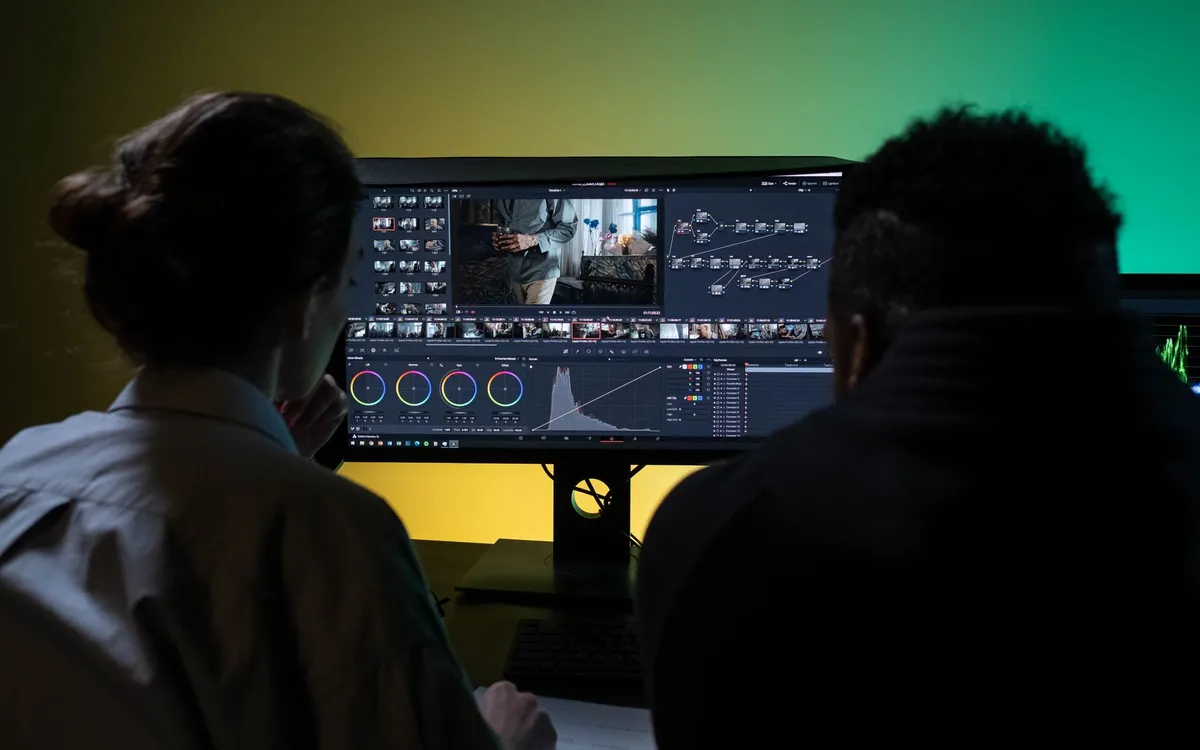
If you’re finishing the documentary yourself, this is where Resolve pulls ahead and it isn’t close. The color page is what professional colorists actually use. You get proper node-based grading, power windows, tracking, and the kind of control that lets you balance a run-and-gun interview shot against a tripod-locked landscape. Premiere’s Lumetri panel is fine for a quick pass, but if color matters, you’ll want Resolve — and our beginner’s guide to color grading a documentary is built around it.
Fairlight, Resolve’s audio page, is a real mixing environment. For most docs Premiere’s audio tools are adequate, but anything with serious dialogue cleanup or a proper mix benefits from a dedicated DAW or Fairlight.
Round-tripping and collaboration
Here’s the honest caveat. If you’re handing off to a separate colorist or sound mixer who works in their own suite, Premiere’s interchange is more battle-tested in the broadcast and post-house world. XML and AAF out of Premiere into Pro Tools or a finishing house is a known quantity. Resolve does this too, and well, but the assumption in many facilities is still Avid or Premiere upstream.
Collaboration also tilts toward the established players. Resolve has a genuinely strong multi-user mode that lets an editor, colorist, and sound person work in the same project — impressive when it works — but it needs setup and infrastructure. For most small doc teams, project handoff is still done with exports and shared drives.
So which one
If you’re a solo editor or a two-person team finishing your own film, I’d point you to Resolve. It’s free to start, the Studio license is a one-time cost rather than a subscription, and you get color and audio that would otherwise mean buying or learning separate tools. The consolidation removes a stack of export-import friction.
If you’re slotting into an existing pipeline, working with broadcasters, or sharing projects with editors who’ve lived in Adobe for a decade, Premiere Pro’s familiarity and interchange maturity are worth real money. Don’t switch tools mid-project to save a subscription fee; the time you lose relearning will dwarf the savings.
For a wider survey of the field, including Avid and Final Cut, see the best editing software for documentaries. And whichever you land on, the software is the easy part — the editing workflow you build around it is what gets a feature doc finished.
DaVinci Resolve vs Premiere Pro for Documentaries
The editing, color and audio tools we use to finish films. Subscribing through our partner links supports independent coverage.
See editing softwareSome links on Indian Point Film are affiliate links: if you buy or subscribe through them we may earn a commission, at no extra cost to you. It never changes our recommendations.
Keep reading
Documentary Voiceover: How to Record Pro Narration
Broadcast-ready narration depends far less on gear than beginners assume. Decide whether you need voiceover at all, treat the room, direct the read, then hit a real loudness target.
Documentary Footage Backup: A Shoot-Ready Routine
Improvisation is where footage dies. Name your shoot type, commit to 3-2-1, verify every copy, and run a wrap routine you can execute half-asleep.
The Best Video Editing Software for Documentaries
Documentary editing is an organization problem before it's a creative one. The best software is the one that keeps a thousand hours of footage findable.